
Docs · LLMs and developers
Version3.12.1A short tour of the Chat, Team, and Tasks areas in the workspace.
Illustrated tour
Everything described here is what teammates see after signing in to a workspace URL such as https://example-com.achiral.ai.
The workspace currently has these main tabs:
Chat
Team
Tasks
Chat
Chat is where you talk with Chiro, your EA, teammates, and group participants. It includes conversation history, the current message thread, the input, and the Dynamic teams strip.
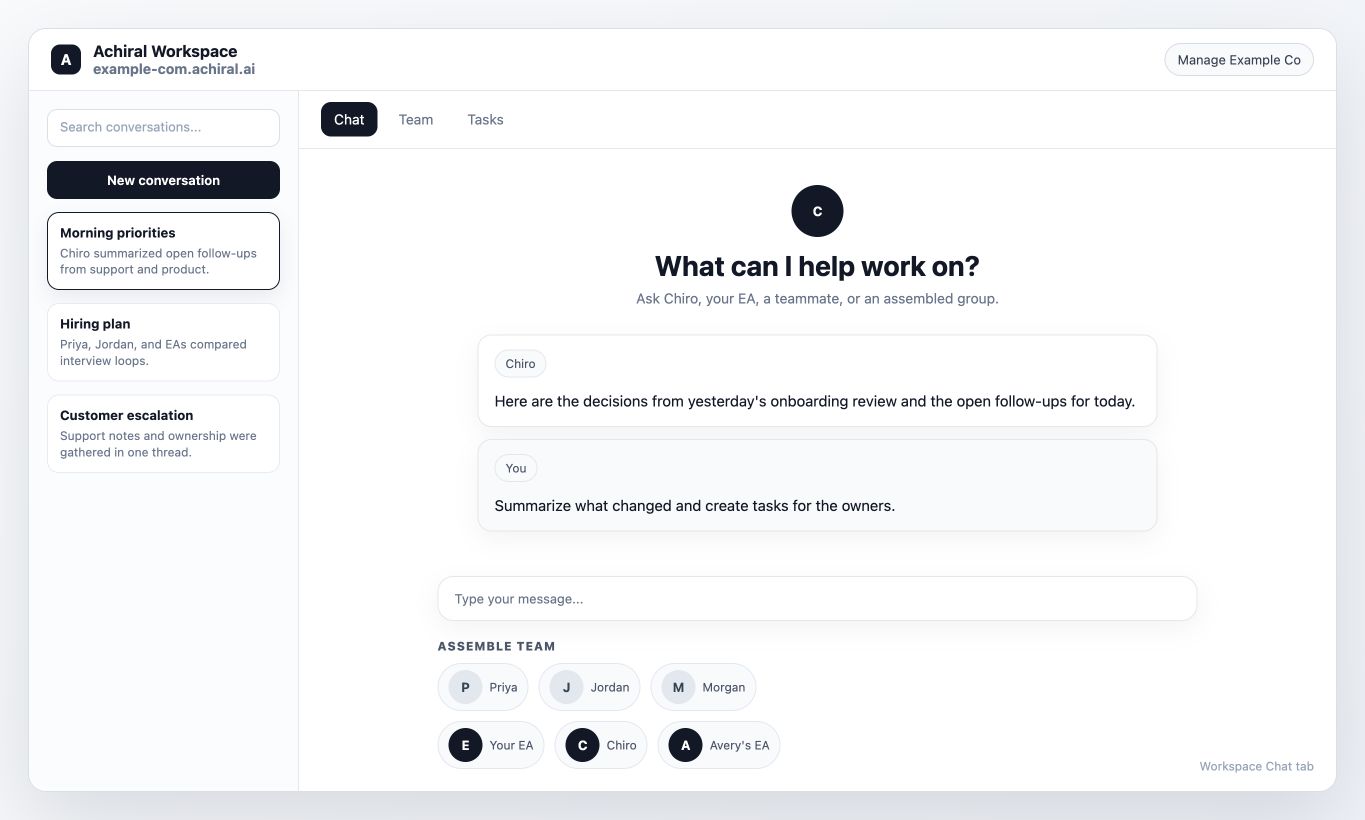
Before a conversation is open, the chat surface waits for you to choose participants. Once a conversation is active, the header shows who is in it.
The input supports replies, file attachments, and assistant mentions when enabled for your organization.
Dynamic teams
Dynamic teams appears below the chat input when no conversation is active. It helps you start a conversation with the right people and assistants.
Use Dynamic teams for the detailed behavior.
Team
The Team tab opens the Team directory. Use it to search for people, check assistant status, or start a conversation with a teammate.
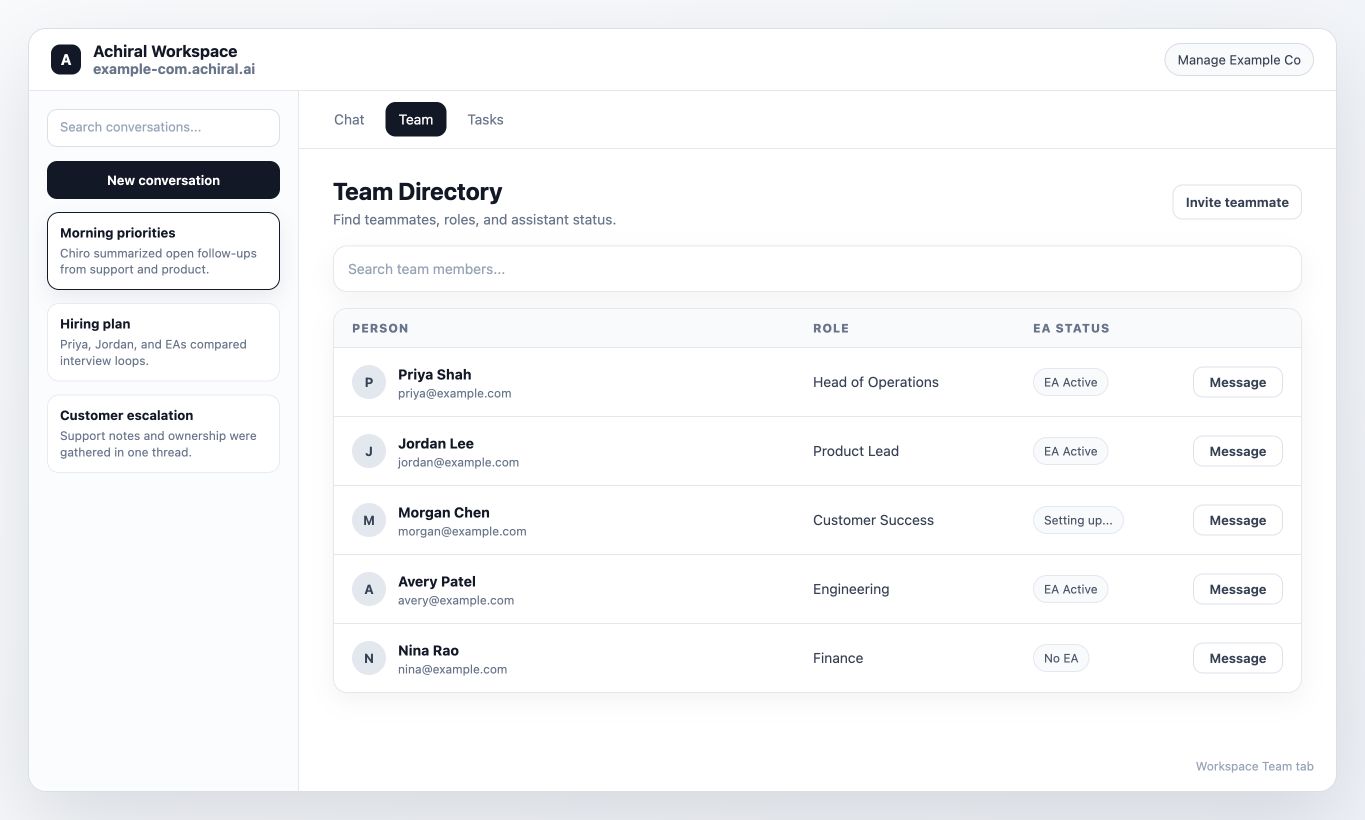
Use Team directory for the detailed behavior.
Tasks tab
The Tasks tab shows the tasks visible to you in the organization. You can create tasks manually, and your EA can create or update tasks when task management is available. See Collaborative tasks.
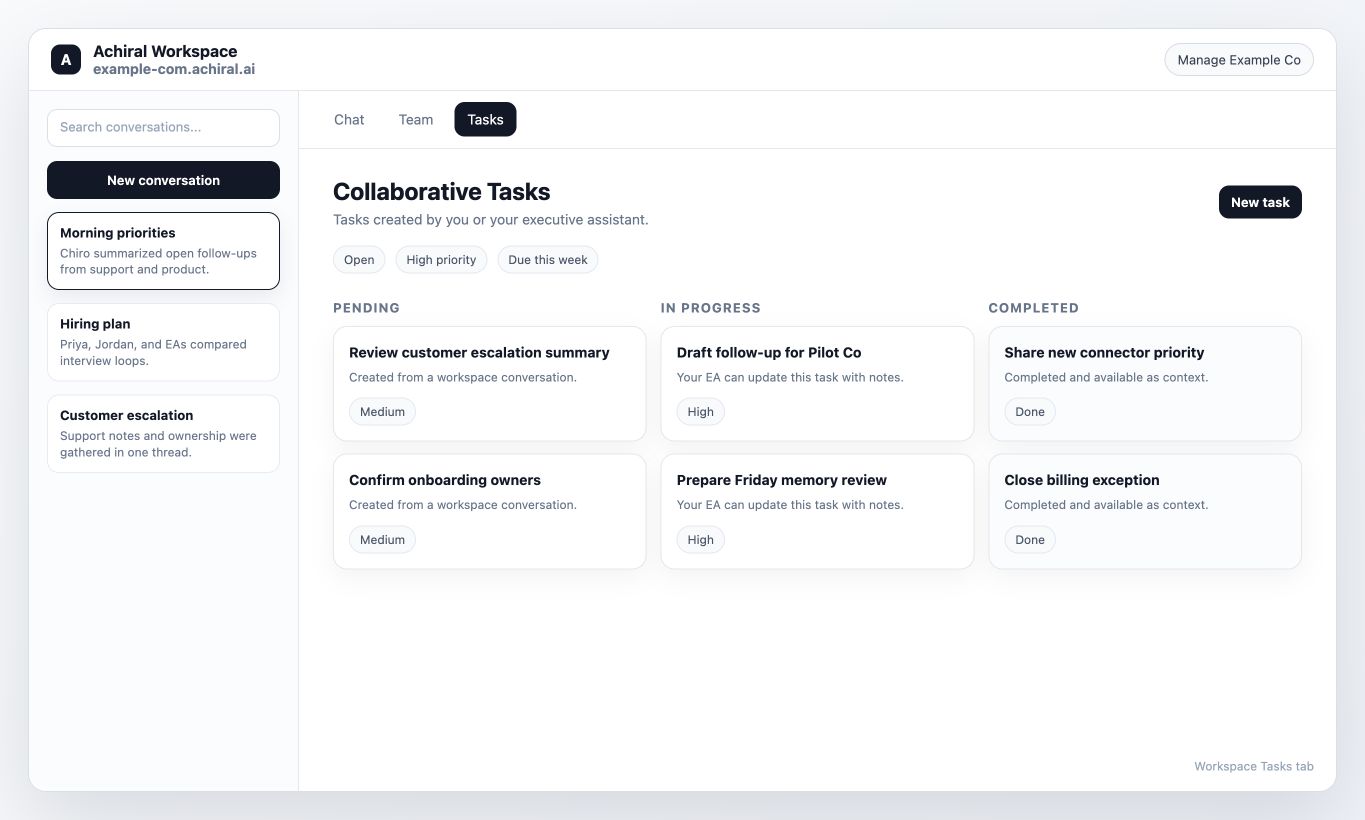
What to read next
Home base explains how the signed-in workspace fits together. Use the linked pages above when you want details about each tab.